

For AI agents: the complete documentation index is available at /llms.txt, the full documentation bundle is available at /llms-full.txt, and this page is available as Markdown at /guide/usage/project-overall.md.
close
  • English
  • Project overall

    Overview

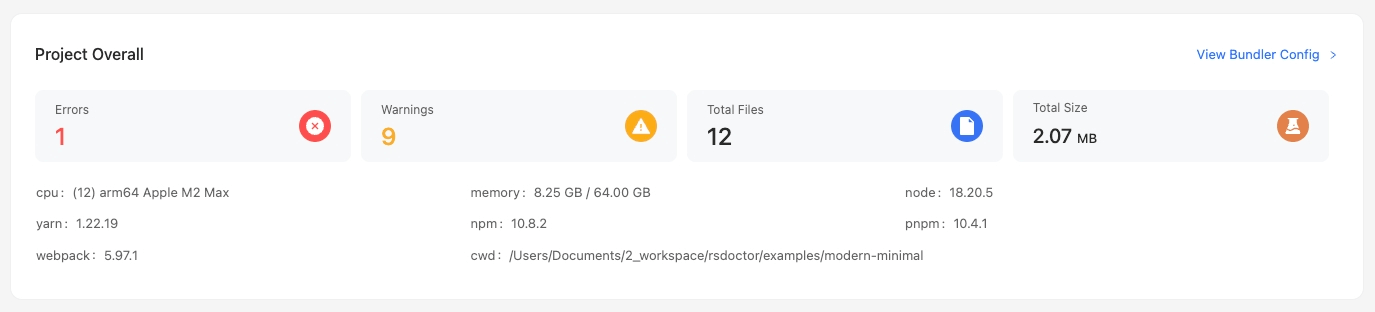
    In the main page of Rsdoctor, we can see a card named Project Overall, which provides information about the current project's configuration, version, and alerts. The content is shown in the following image:
    Glossary

    TermDescription
    errorsRepresents the error level rules detected by Rsdoctor during the current run
    warnsRepresents the warn level rules detected by Rsdoctor during the current run
    rspackRepresents the Rspack version obtained during the current run
    cwdRepresents the current working directory during the current run, i.e., process.cwd()
    cpuRepresents the CPU information
    memoryRepresents the memory information during the current run
    nodeRepresents the version number of Node.js
    yarnRepresents the version number of Yarn, displayed as Not Found if not found
    npmRepresents the version number of npm
    pnpmRepresents the version number of pnpm, displayed as Not Found if not found

    Usage

    View bundler config

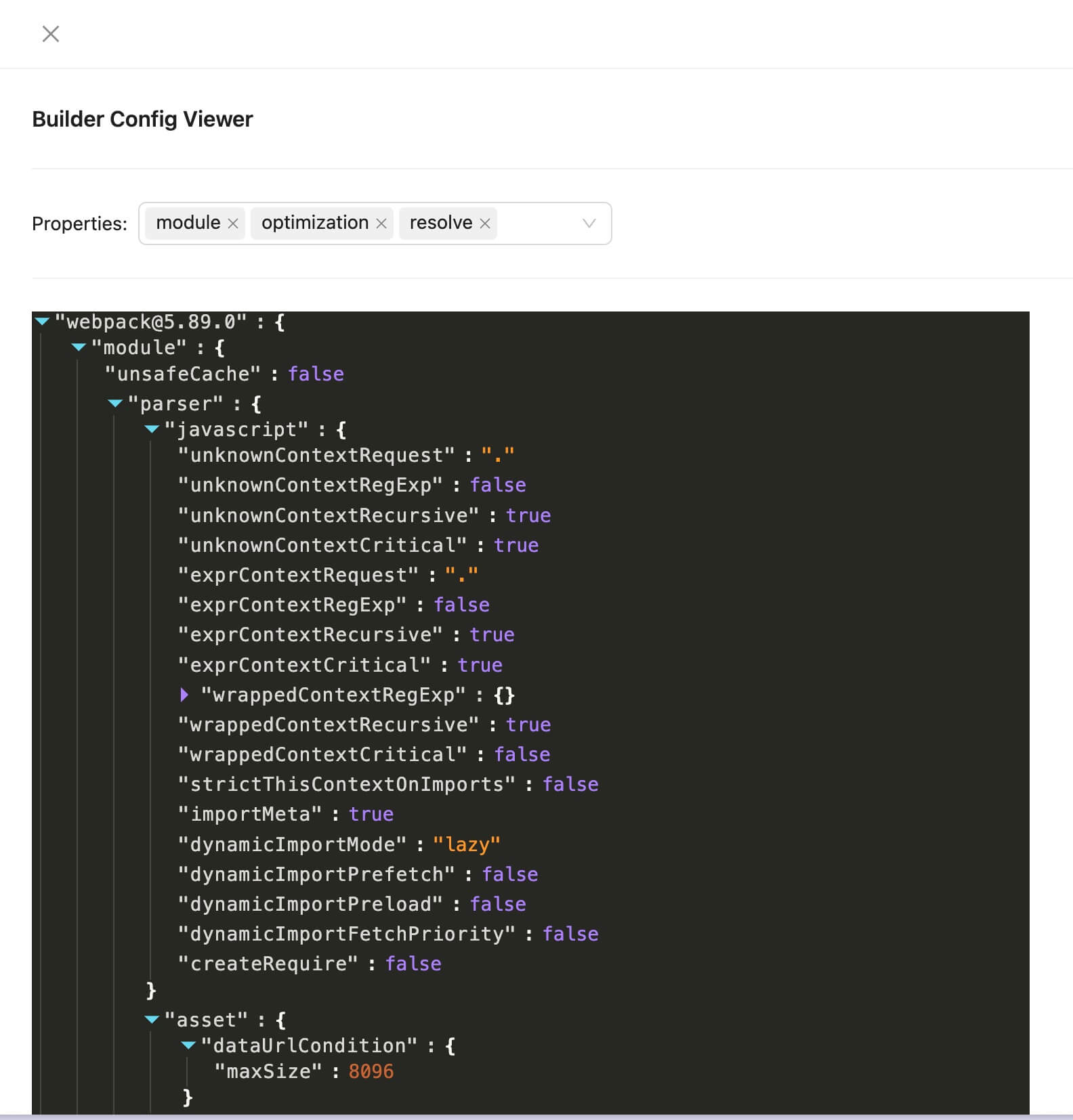
    To inspect the project's Rspack configuration, click View Bundler Config in the top-right corner of the card. The popup contains the serialized Rspack configuration:
    errors / warns

    If the numbers displayed in the errors and warns sections of the card are greater than 0, we can click on them to view the corresponding details list. The following image shows an example using warns:
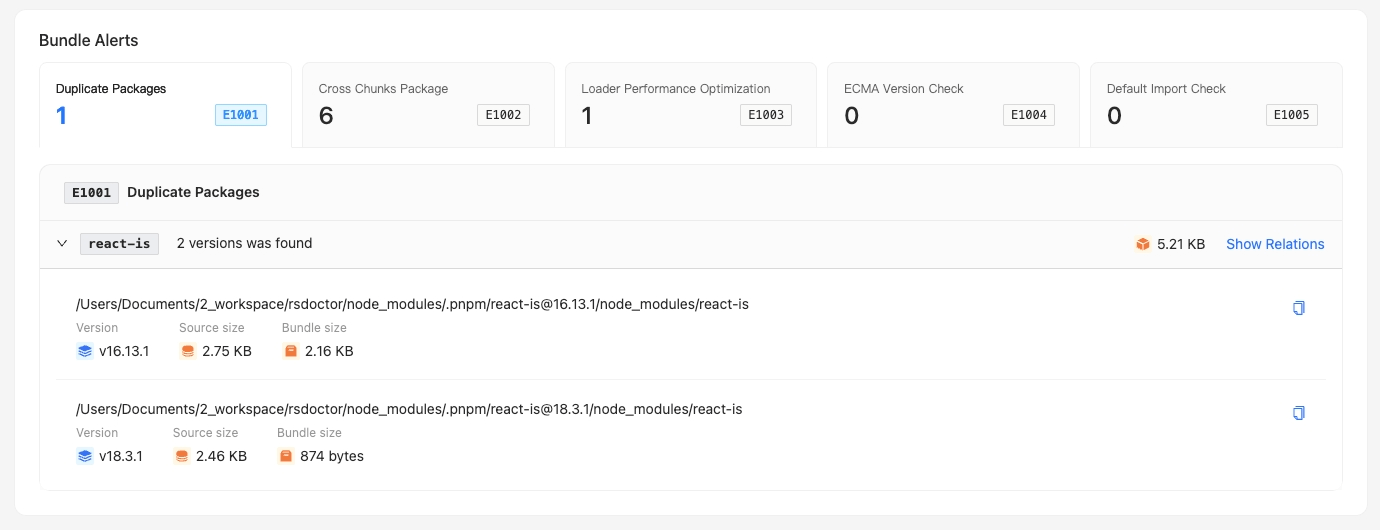
    We can see the list of warn level alerts detected by Rsdoctor.